Apps and Sales Channels
Out of the box, Shopify covers the essentials — but its real power comes from the ecosystem built around it. The Shopify App Store has thousands of apps that extend your store’s functionality, and sales channels let you sell on platforms like Instagram, TikTok, and Google without managing separate inventories.
This page gives you a grounding in both, with a focus on what’s worth paying attention to as a new store owner.
The Shopify App Store
Section titled “The Shopify App Store”The App Store is accessible from Apps in your Shopify admin, or directly at apps.shopify.com. Apps are built by third-party developers and reviewed by Shopify before listing.
What Apps Can Do
Section titled “What Apps Can Do”Apps plug into almost every part of your store:
- Shipping & fulfillment — Print labels, automate tracking, connect to couriers
- Reviews & social proof — Display customer reviews and star ratings on product pages
- Email & SMS marketing — Build subscriber lists and send automated campaigns
- SEO — Audit your store, generate meta descriptions, catch broken links
- Analytics — Deeper reporting than Shopify’s built-in tools
- Loyalty & rewards — Points schemes, referral programs
- Bundles & upsells — Product combinations or post-purchase offers
Choosing Apps Wisely
Section titled “Choosing Apps Wisely”It’s tempting to install everything that looks useful. Resist it. Every app you install adds code to your store, which can affect page speed and checkout performance.
When evaluating an app:
- Check the review count and average rating — aim for 4.5+ with a decent number of reviews
- Read recent reviews, not just the top-rated ones
- Check the pricing model carefully — many charge a monthly fee plus a percentage of revenue generated
- Look for a free trial so you can test before committing
Apps Worth Considering Early
Section titled “Apps Worth Considering Early”These categories are worth sorting out before you launch:
- Customer reviews — Shopify Product Reviews (free, built by Shopify) or Judge.me are widely used
- Email marketing — Klaviyo or Shopify Email for building your list from day one
- SEO basics — Plug In SEO or SEO Manager for catching common issues before they compound
Sales Channels
Section titled “Sales Channels”Sales channels connect your Shopify product catalogue to external platforms. Once connected, your products sync automatically — you manage everything from one Shopify admin without maintaining separate listings elsewhere.
Available Sales Channels
Section titled “Available Sales Channels”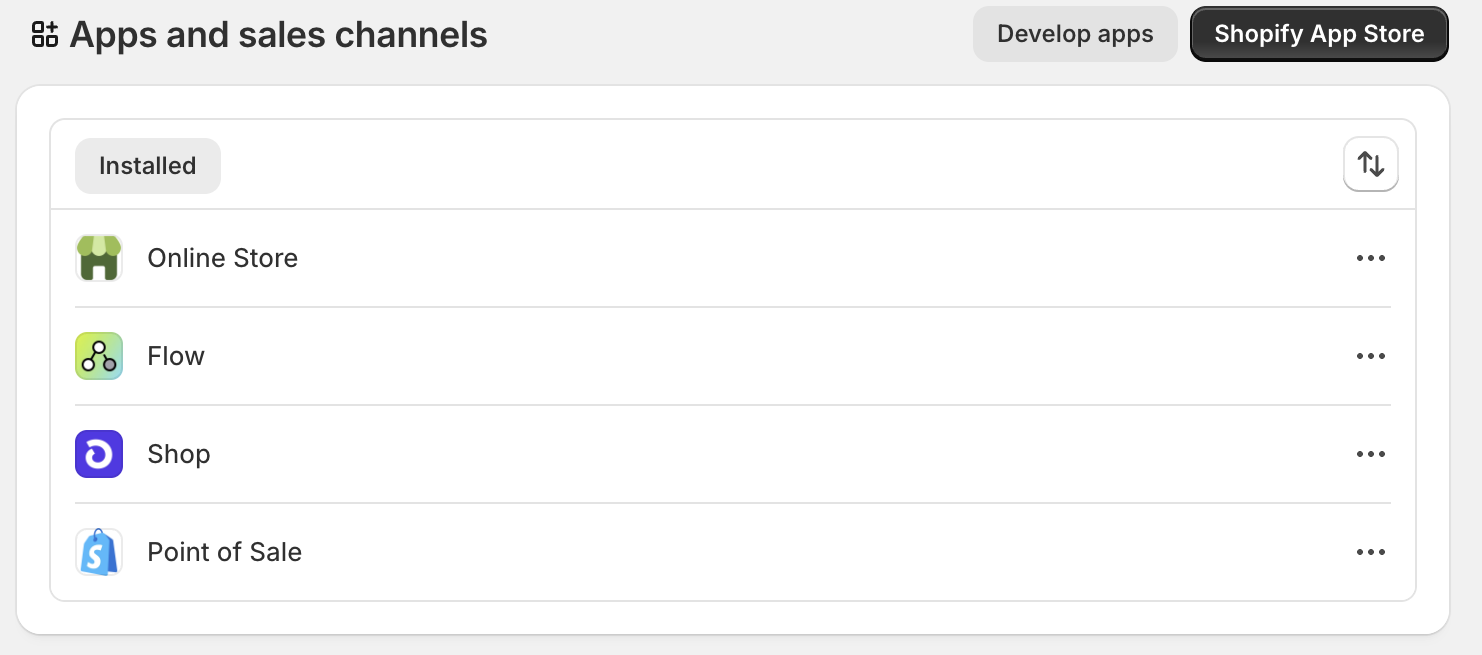
Google & YouTube Lists your products on Google Shopping and enables Performance Max campaigns directly from Shopify. One of the most effective channels for reaching customers who are already actively searching for what you sell.
Facebook & Instagram Tag products in posts and stories, and create a Shop tab on your Facebook Page. Requires connecting your Facebook Business Manager account. Worth setting up early if your audience is active on either platform.
TikTok Sync your product catalogue and run ads or create shoppable videos. Growing quickly as a discovery platform, particularly for fashion and lifestyle products.
Amazon List Shopify products directly on Amazon and manage orders from your Shopify admin. Worth considering if your products suit a marketplace audience, though Amazon’s fees are significant and the setup is more involved than other channels.
Connecting a Sales Channel
Section titled “Connecting a Sales Channel”- In your Shopify admin, click the + icon next to Sales channels in the left sidebar
- Browse or search for the channel you want to add
- Click Add channel and follow the setup steps — each channel walks you through connecting your account
Things to Keep in Mind
Section titled “Things to Keep in Mind”- You control which products appear on each channel — not everything needs to be listed everywhere
- Each platform has its own requirements around image sizes, descriptions, and prohibited product categories
- Your product titles, images, and descriptions carry across to all connected channels, so it’s worth getting those right in Shopify first
- Install apps sparingly — only when you have a specific need
- Prioritise reviews, email marketing, and basic SEO before launch
- Sales channels let you sell on Google, Instagram, TikTok, and more from your existing Shopify catalogue
- Get your product content in good shape before connecting channels, as it syncs automatically