A Practical Example of Product Creation
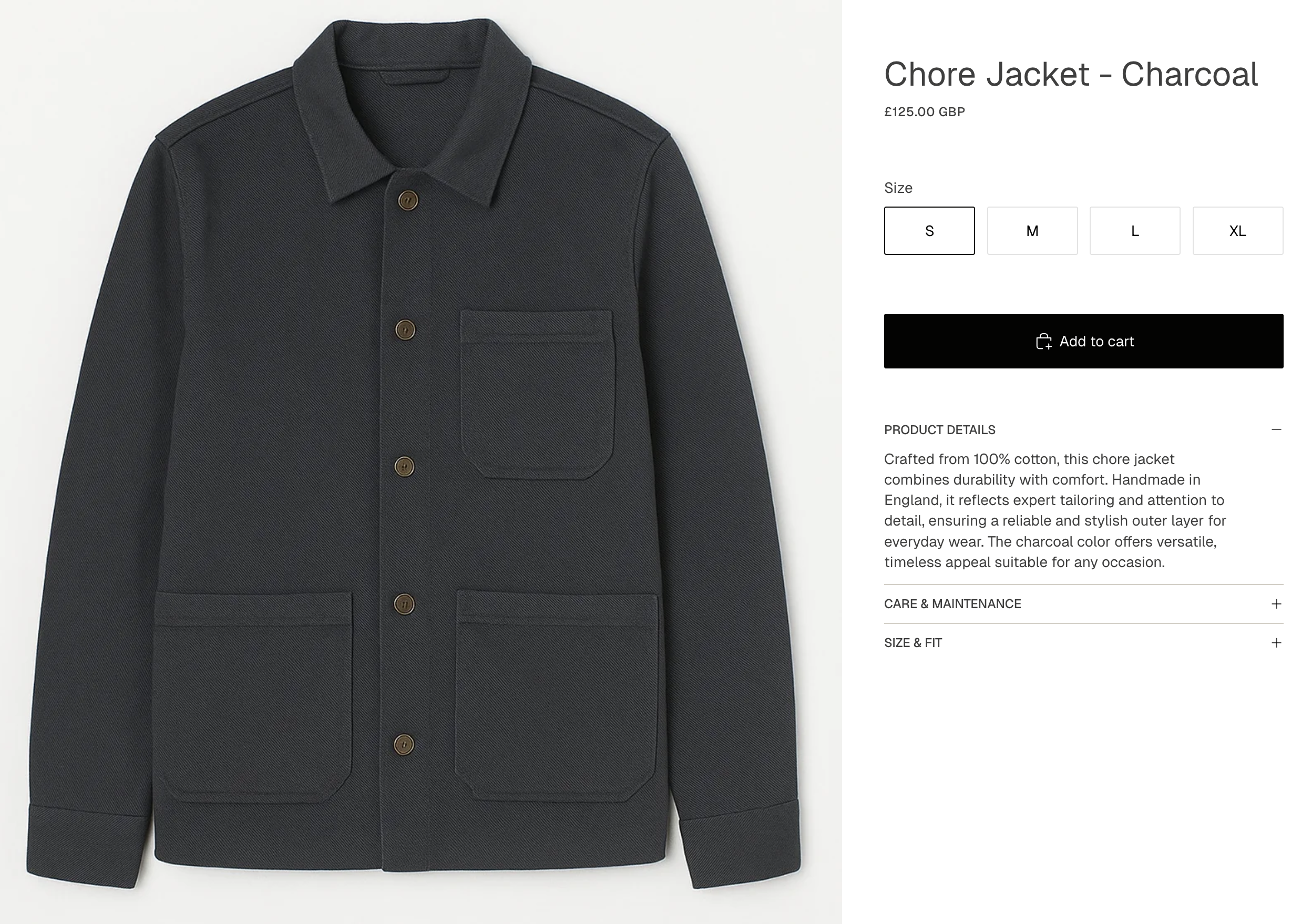
Now I’ve run through the initial requirements of what goes in to a basic Shopify product, let’s put it in to practice on the demo store. I’ll be creating a Chore Jacket to add to the collection.
1. Name, Description & Imagery
Section titled “1. Name, Description & Imagery”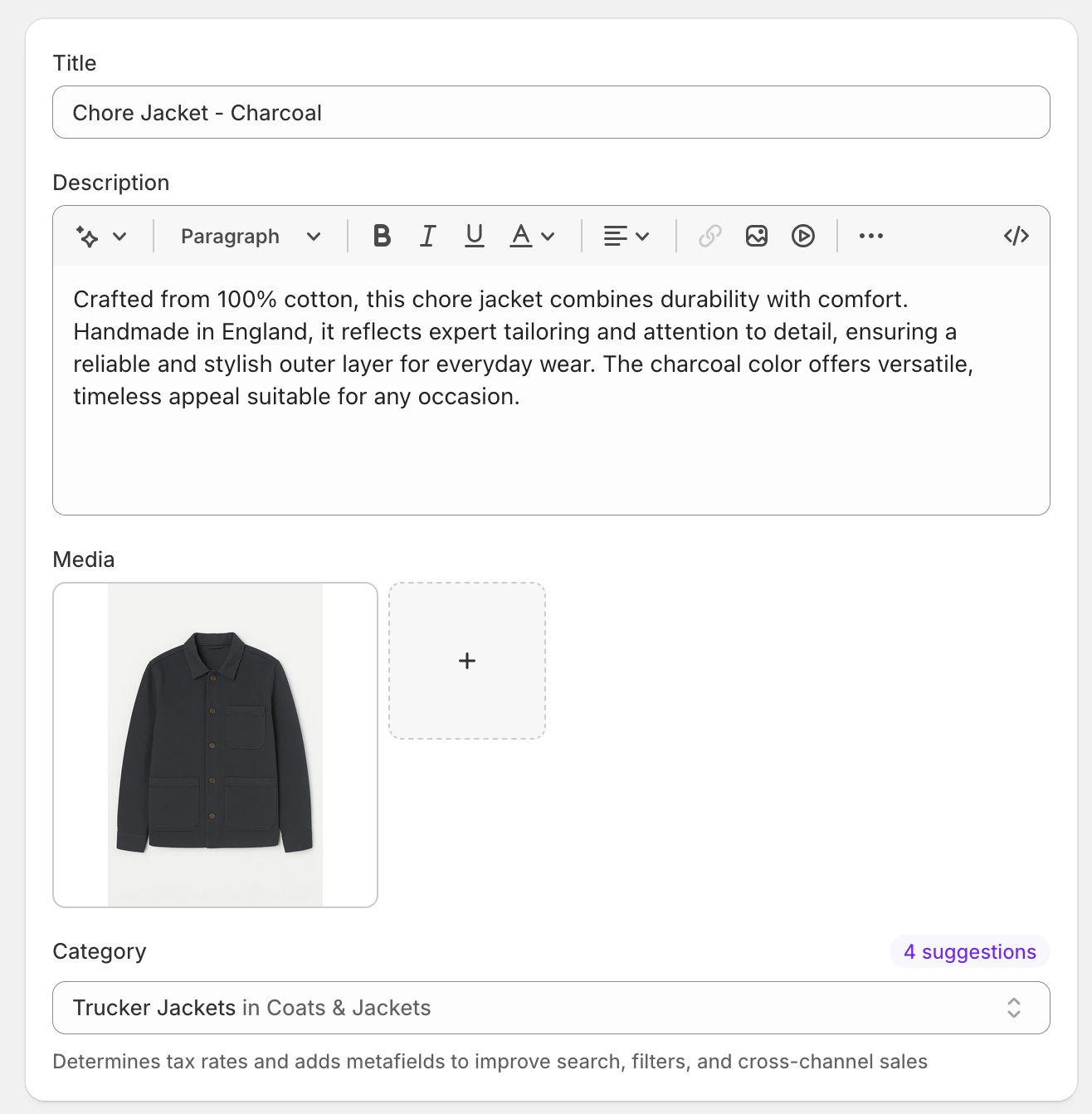
2. Variants and Pricing
Section titled “2. Variants and Pricing”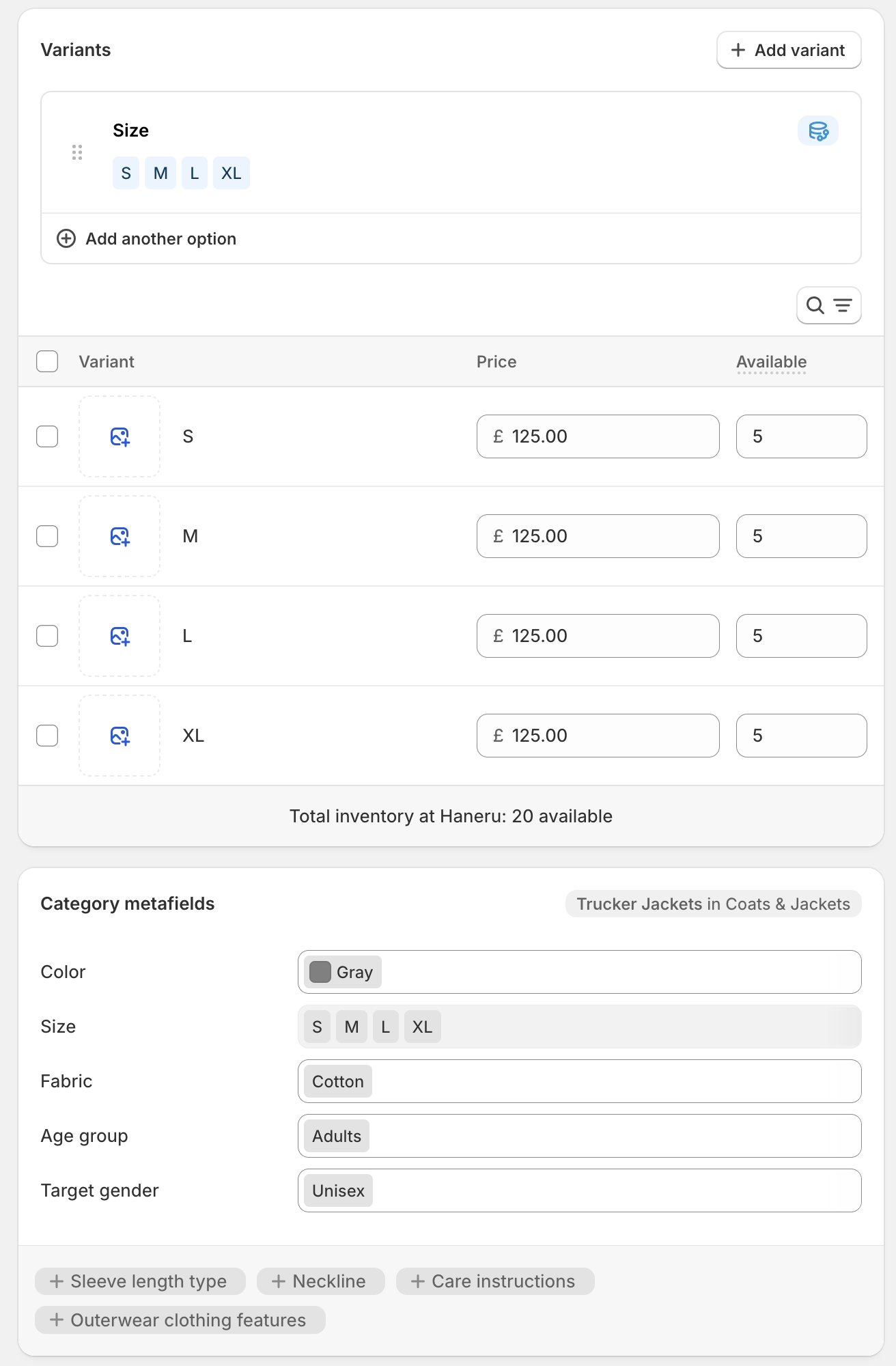
3. Customs Information and SEO Listing
Section titled “3. Customs Information and SEO Listing”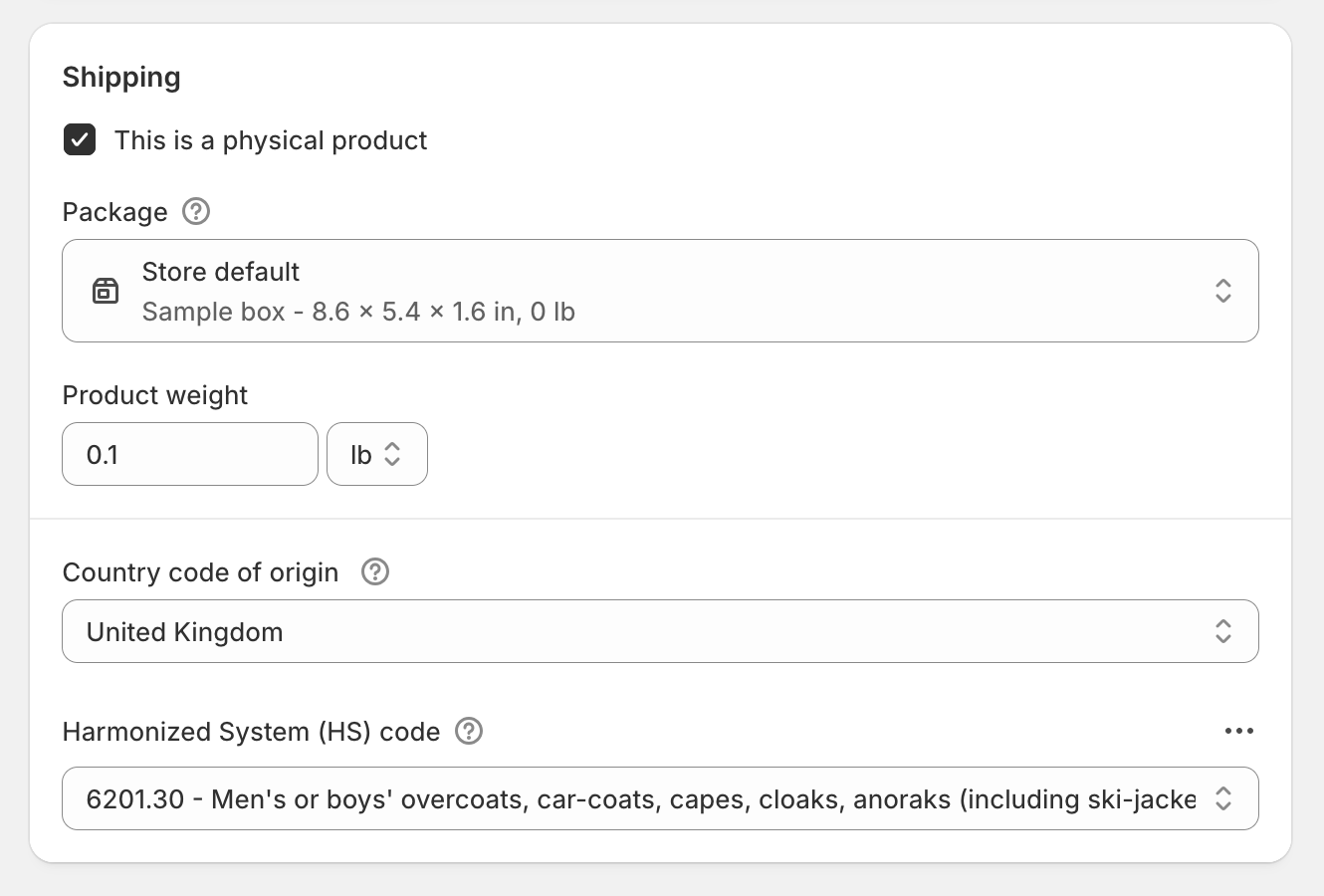
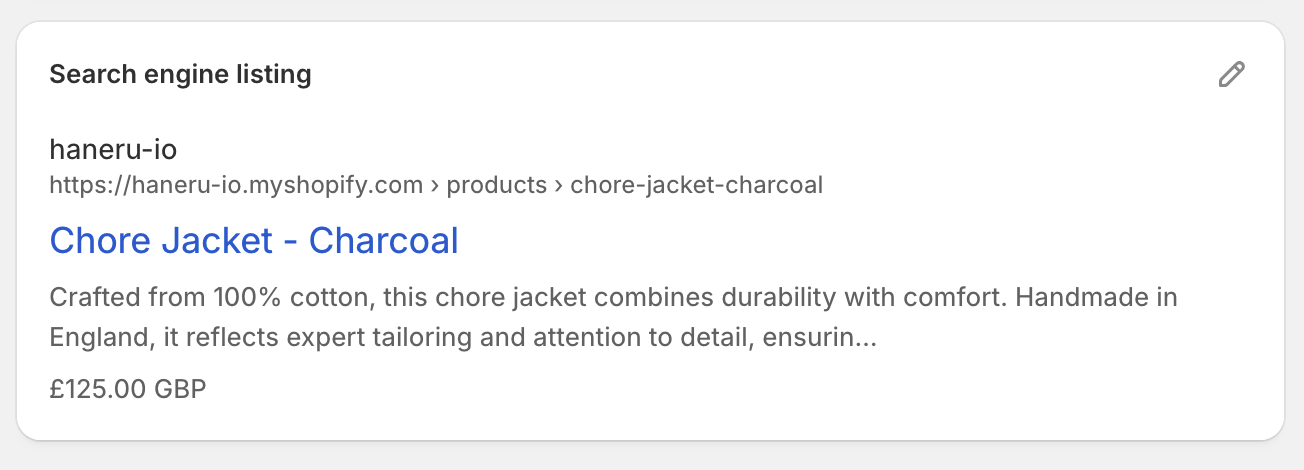
Following the steps outlined in product creation part one and part two, I’ve added the product title and description along with creating size variants. In addition, I’ve added pricing and inventory values. Under the hood, I’ve also included the all important Harmonisation Code and Country of Origin (image 3).
4. Example End Product
Section titled “4. Example End Product”Let’s take a look at how it displays on the front end! Whilst I’m yet to make any significant changes to the theme, this is a good early impression of how simple it is to get a nice looking store up and running.
Next up, I’ll dig in to how to setup your catalogue and effectively organise your products in to collections.